6 Myths About Self-Service Kiosks
19.5.2026.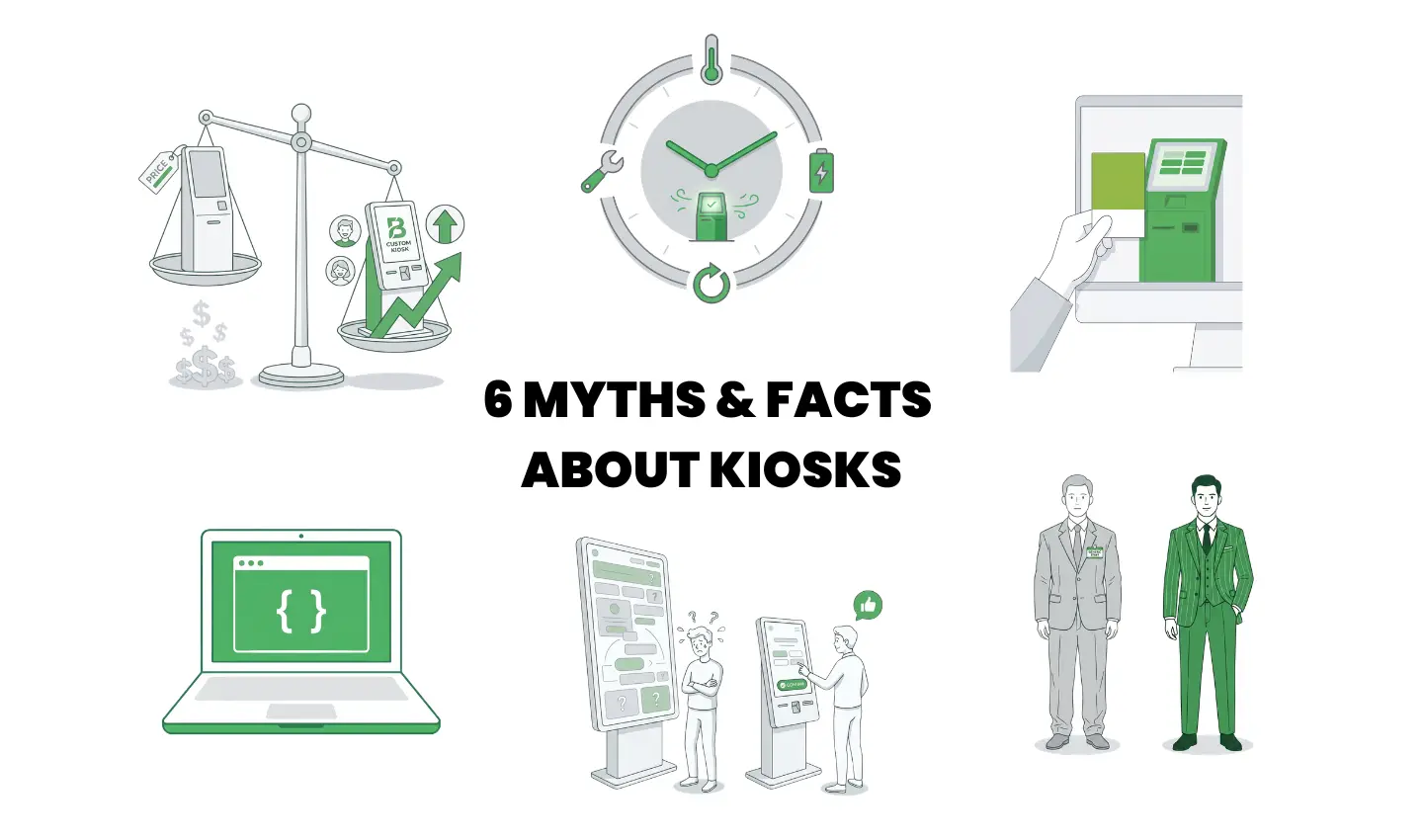
Self-service kiosks look simple - a screen, an enclosure, some software. That simplicity is exactly why so many myths persist. Below are 6 common myths from different segments of kiosk design and deployment, answered in one line each.
Q1: Are custom kiosks always more expensive than off-the-shelf ones?
No - custom kiosks often have a lower total cost of ownership because off-the-shelf units carry hidden costs in lower conversion rates, integration workarounds, and shorter service life.
Q2: Does a bigger kiosk screen always mean better user experience?
No - screen size must match the transaction type, user distance, and lighting, since anything above ~24" creates "gorilla arm" and oversized displays often hurt UX instead of helping it.
Q3: Can branding be added at the end with a sticker or vinyl wrap?
No - wraps peel and stickers fade within months, while branding integrated at the design stage (color-matched panels, custom geometry, lighting accents) lasts for years.
Q4: Can a kiosk really run 24/7 without any special provisions?
No - true 24/7 operation requires thermal management, UPS protection, watchdog systems, and preventive maintenance, or the unit will eventually overheat, freeze, or get stuck on a boot screen.
Q5: Will materials in a 3D render look the same on the finished kiosk?
No - surface finishes vary between suppliers and batches due to metamerism and coating variation, so accurate matching requires physical samples and an approved master reference.
Q6: Is kiosk software just a web app running in fullscreen mode?
No - real kiosk software needs OS lockdown, watchdog processes, peripheral drivers, offline fallback, and remote management, none of which come with a standard fullscreen browser.
Planning a kiosk deployment? Get in touch before assumptions become expensive.

